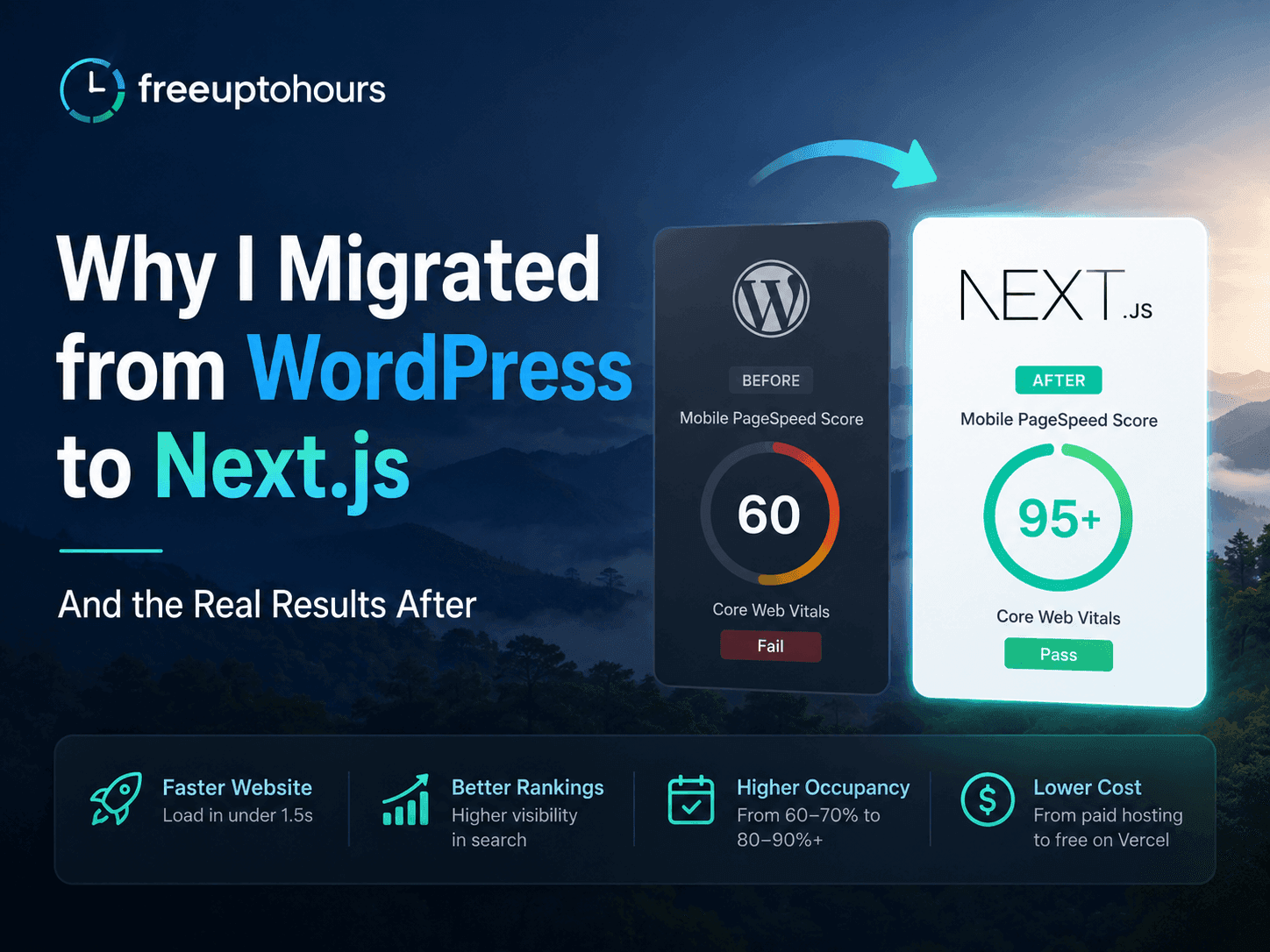
Why I Migrated from WordPress to Next.js — And the Real Results After
There was a specific afternoon when I opened my transient house website on my phone and watched it try to load for eleven seconds before giving up. Not a slow connection — I was on LTE. The site just could not handle being opened on a mobile browser anymore. It would attempt to render, stall, and then deliver something that looked broken.
That was the moment I stopped debating whether to migrate. WordPress had to go.
What Actually Broke It: Plugin Chaos
If you run a WordPress site for any length of time, you know the plugin accumulation problem. You install a page builder because you want a nice layout. Then a caching plugin because someone tells you it speeds things up. Then a security plugin. An SEO plugin. A contact form plugin. A gallery plugin for your property photos. A booking inquiry form. Backups.
Each one makes sense in isolation. Together, they create a site where every page load triggers a queue of JavaScript files, CSS stylesheets, and database queries from plugins that were never designed to work together. The caching plugin caches things the page builder depends on in the wrong order. The security plugin adds overhead to every request. The gallery plugin loads its full asset library on pages that do not have a gallery.
My baguiotransient.net WordPress site had accumulated enough of these over time that on mobile — specifically on mid-range Android phones with a Philippine mobile connection — it had become genuinely unusable. Not slow. Unusable. The kind of experience where a potential guest tries to check your rates, gives up after a few seconds, and books somewhere else.
What the Numbers Looked Like Before I Migrated
When I finally ran a proper Google PageSpeed Insights test, the mobile score was sitting at around 60. That sounds like a passing grade until you understand what it means in practice: Google's Core Web Vitals were failing, the Largest Contentful Paint was several seconds, and the site was being penalized in search rankings because of it.
A PageSpeed score of 60 on mobile is not "needs improvement." It is "your competitor with a 90 score is getting the traffic that should be yours." In a search result for "transient house Baguio," the faster site wins — not because guests consciously choose speed, but because they click the result that loads before they lose patience. A site that takes 8 seconds to show anything on mobile is not competing.
The plugin chaos had also made the site a maintenance headache. Every WordPress update was a risk. Every plugin update had to be tested because any combination could silently break something. I was spending time I did not have managing a website instead of running a property.
The Decision: Rebuild, Not Fix
The advice I give now — and the decision I made then — is to not try to fix a WordPress site. Do not install more plugins to fix problems caused by plugins. Do not spend hours optimizing images and tweaking caching rules to squeeze a 60-scoring site into the 70s. Rebuild it clean.
I rebuilt baguiotransient.net from scratch in Next.js. No migration tool, no WordPress export, no plugin converter. I took the content — the property description, the rates, the photos, the FAQs — and built a new site around it with no plugins, no bloat, and nothing that did not need to be there.
I did this myself. I am not a professional developer by background, but I had been learning Next.js while building freeuptohours.com. The rebuild took less than a week. It was not as complicated as I had imagined when I was still on WordPress, partly because Next.js forces you to think about what a page actually needs rather than adding features through a plugin marketplace.
The Before and After: PageSpeed 60 to 95+
The first PageSpeed test after launching the Next.js version came back at 95 on mobile. Not 95 after optimization. Not 95 after installing a speed plugin. Just 95, on the first test, because a clean Next.js build with properly handled images and no plugin overhead is genuinely fast by default.
To put that in context: going from 60 to 95 on mobile PageSpeed is not a linear improvement. The scoring is weighted toward real user experience metrics. A site at 60 is failing Core Web Vitals. A site at 95 is passing them comfortably and getting the ranking benefit that comes with that. Google noticed within weeks.
| Metric | WordPress (before) | Next.js (after) |
|---|---|---|
| Mobile PageSpeed | ~60 | 95+ |
| Largest Contentful Paint | 5–8 seconds | Under 1.5 seconds |
| Mobile usability | Broken on mid-range Android | Clean on all devices |
| Plugin maintenance | 10+ plugins to manage | Zero plugins |
| Monthly hosting cost | Paid shared hosting | Vercel free tier |
The Real-World Result: Occupancy Rate
This is the number I care about most, and it is the one that took the longest to materialize — but it did materialize. Before the migration, the property was running at 60–70% occupancy. Decent for a transient house in Baguio, but with clear gaps, especially on weekdays.
After the migration and the subsequent improvement in Google rankings, organic search traffic to the site increased meaningfully. More importantly, the traffic converted. A site that loads in under 1.5 seconds and renders properly on mobile keeps guests long enough to read the rates, look at the photos, and decide to book. The 11-second loading experience was not just slow — it was losing bookings at the moment guests decided.
Occupancy moved from that 60–70% range to consistently hitting 80–90%+. That improvement is not attributable to Next.js alone — the AI chatbot and the content automation played a role too. But the website speed was the foundation. All the other systems work better when the site they lead to actually loads.
What the Migration Was Actually Like
People imagine migrating from WordPress to Next.js as a massive technical project. My experience was that rebuilding clean was easier than trying to maintain the WordPress site I had. Here is roughly what a week of migration looks like:
- Day 1–2: Set up the Next.js project, deploy to Vercel, connect the domain to a staging URL so the old site stays live while you build
- Day 2–3: Rebuild the pages — home, about, rates, contact. Copy the content from WordPress, rewrite the layout in clean components without a page builder
- Day 3–4: Migrate photos, optimize them using Next.js Image component (which handles WebP conversion and lazy loading automatically)
- Day 4–5: Add the booking inquiry form, schema markup, meta tags, and sitemap
- Day 5–6: Test on mobile across devices, run PageSpeed, fix anything under 90
- Day 6–7: Switch the domain from the WordPress host to Vercel, verify everything, shut down the old hosting
The part that surprised me most was the hosting. I had been paying for shared hosting to keep the WordPress site running. The Next.js version runs on Vercel's free tier — fast, globally distributed, and zero monthly cost for a site at this scale. That alone covers part of the migration cost within a few months.
What I Would Tell Someone Still on WordPress
Three things, and I mean all of them.
First: it is easier than you think. If I can rebuild a transient house website myself in under a week with no formal development background, the barrier is lower than the WordPress ecosystem wants you to believe. The WordPress plugin economy benefits from you staying dependent on it. Next.js does not have that incentive — it is just a framework that does what you need and nothing more.
Second: the cost of staying is real. Every month you run a 60-scoring WordPress site, Google is directing search traffic to your faster competitors. That is not a hypothetical future risk — it is happening right now, every time someone searches for your service and clicks the faster result. The migration cost is one-time. The cost of not migrating is every month you stay.
Third: rebuild clean. Do not try to migrate. Do not use a WordPress-to-Next.js converter tool. Take your content and build a new site that only contains what your business actually needs. The plugin chaos is the problem — importing it into a new framework solves nothing. A clean rebuild fixes the root cause.
WordPress vs Next.js Philippines — Which Is Faster? The Real Numbers
The technical comparison: PageSpeed scores, Core Web Vitals, and when each platform makes sense
How to Automate a Transient House in the Philippines — The Complete Guide
A fast website is the foundation — here is the full automation stack to build on top of it
Next.js Website Development for Philippine Small Businesses
We build clean, fast Next.js websites — no plugins, no bloat, PageSpeed 95+ standard
Frequently asked questions
Why did you migrate from WordPress to Next.js?
How long did the migration take?
What were the PageSpeed scores before and after?
Did the migration actually improve bookings and revenue?
Do I need to know how to code to migrate from WordPress to Next.js?
Need this for your business? I build exactly this kind of system for small business owners.
Next.js Website Development →Want the same system for your business?
I'll set up AI automation for your business — just like I did for mine.