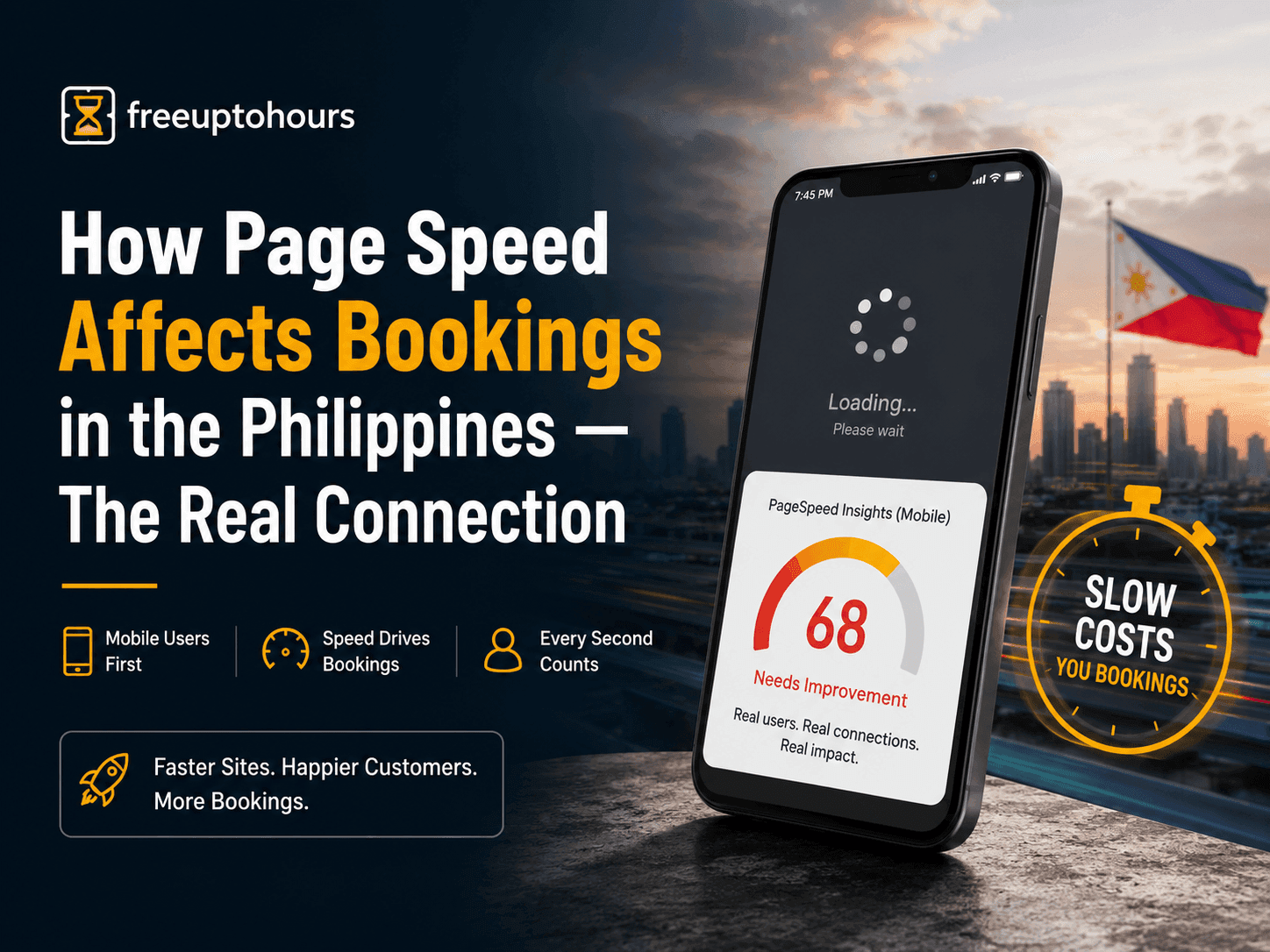
How Page Speed Affects Bookings in the Philippines — And the Customer You Never See
There is a customer you will never know about. They found your website, tapped the link on their phone, watched a blank screen for four seconds, and left. They did not bounce because your price was wrong or your photos were bad. They bounced because the page did not load fast enough to hold their attention for the few seconds it takes to decide whether to stay.
This is happening on your site right now if your PageSpeed mobile score is below 70. Not occasionally — on every visit from every customer on a mobile data connection. And in the Philippines, that is most of your customers.
Why Most Philippine Business Owners Do Not Know Their Site Is Slow
Here is the most common reason business owners are blind to their own site speed problem: they test the wrong way. They open their website from the office, on fiber internet, on a MacBook or a high-end phone. It loads in two seconds. They think the site is fine.
Their customer is in Cubao, on a mid-range Android, on Globe LTE at 7PM. That is a completely different experience. The same site that loads in two seconds on office fiber can take seven or eight seconds on a 4G mobile connection with the kind of congestion that happens during evening browsing hours. The owner has never seen that version of their own website.
The correct way to test your site is to open Google PageSpeed Insights, paste your URL, and read the mobile score. Not the desktop score — the mobile score. That number reflects what your actual customers are experiencing on their actual devices. If it is below 70, what you are looking at is not a performance metric. It is a description of customers leaving before they see your content.
The Philippine Mobile Reality That Makes This Worse Than Anywhere Else
Page speed matters everywhere. It matters more in the Philippines for three specific reasons.
First: the device. The majority of Philippine internet users browse on mid-range Android phones — not the flagship models, but the ₱5,000–₱12,000 range that most people actually use. These devices have less processing power to render JavaScript-heavy pages, which means a bloated website that loads reasonably on a premium phone takes significantly longer on the device your customer actually has.
Second: the connection. Philippine mobile data speeds are functional but not fast. Average 4G speeds from the major networks in non-Metro areas — and even in congested parts of Metro Manila during peak hours — are well below what is available in Singapore, the US, or Australia. Every extra kilobyte your site loads, every unnecessary JavaScript file, every uncompressed image adds lag that is amplified by the infrastructure your customers are on.
Third: the timing. As I covered in the context of Baguio transient house bookings — most booking decisions happen late at night, when someone is relaxed on their phone planning a trip. That is also when mobile network congestion is highest. Your site is competing for bandwidth at exactly the hours when your customers are most likely to book.
What the Data Showed: Bounce Rate, Engagement, Bookings
When I migrated a transient house website from WordPress to Next.js — taking the PageSpeed mobile score from around 60 to 95+ — I tracked what changed in the analytics. The first thing that moved was bounce rate. People stopped leaving immediately. Where the old site was losing visitors before they even saw the content, the new site was keeping them long enough to read the rates, look at the photos, and make a decision.
Bounce rate is the number that tells you how many people arrived and immediately left. A high bounce rate on a booking-intent page — someone searching "transient house Baguio" and landing on your property page — almost always means one of two things: the content did not match what they were looking for, or the page was too slow to give them a chance to find out. When you rule out the content problem by having good information on the page, the speed problem is almost always what remains.
After the speed fix, the chain reaction was clear. Lower bounce rate meant more people reading the page. More people reading the page meant more inquiries on Messenger. More inquiries meant more bookings. Occupancy moved from 60–70% to consistently 80–90%+. That is not exclusively attributable to speed — the full automation system played a role — but the speed improvement was what made the rest of the system worth having. Traffic that immediately bounces cannot be converted by the best chatbot in the world.
The Hard Benchmark: Under 70 Is Not Underperforming, It Is Losing
Most conversations about PageSpeed scores use language like "room for improvement" or "could be optimized." That framing is too gentle for what is actually happening.
If your site scores under 70 on PageSpeed mobile, it is not underperforming — it is actively losing you bookings right now. Every visitor who arrives on a mobile data connection and waits more than three seconds for the page to respond is a booking decision that gets made somewhere else. That is not a hypothetical cost you might be paying. It is a real cost you are definitely paying, on every visit, every day.
The benchmark I hold every site I build to is 95+ on mobile. Not because it is a round number, but because it represents a Largest Contentful Paint under 1.5 seconds on a Philippine 4G connection — fast enough that the page responds before a visitor's patience runs out. The difference between a 60-scoring site and a 95-scoring site is not a technical detail. It is the difference between a visitor who stays and a visitor who leaves.
What Page Speed Actually Costs You Per Month
Here is a way to think about this in concrete terms. If your property or business website receives 500 visitors per month from Google and your bounce rate is 75%, that means 375 people are leaving before they engage with your content. If you improve that to 40% — a realistic result of a speed improvement — you retain 175 additional visitors per month who would otherwise have left.
Even if only 5% of those additional visitors turn into inquiries, that is nearly 9 more inquiries per month. For a transient house charging ₱5,500 per night with a typical group size, a single additional booking covers several months of the cost of fixing the site. The speed problem is not a technical inconvenience — it is a monthly revenue leak that can be calculated and closed.
How to Test Your Site the Right Way
Do not test your site from your office. Do not test it on your best phone. Test it the way your customers experience it:
- Go to pagespeed.web.dev on any device
- Paste your website URL and run the analysis
- Read the Mobile score — ignore the Desktop score for this purpose
- If the score is under 70, every section marked in red or orange is a reason a customer on Globe LTE left your site before booking
- Check the Largest Contentful Paint number specifically — this is how long your customer waits before anything meaningful appears on screen
A score under 70 with an LCP over 3 seconds on mobile is not a site that needs minor optimization. It is a site that needs to be rebuilt on a faster foundation. Caching plugins and image compressors can move a 60 to a 72. Getting from 60 to 95 requires a different approach to how the site is built.
The Fix and What It Requires
The technical fix for a consistently slow Philippine business website is almost always the same: move off a bloated WordPress setup with accumulated plugins onto a framework that generates clean, static HTML at build time. Next.js on a global edge network like Vercel serves pre-built pages in milliseconds regardless of where the visitor is connecting from. There are no database queries, no plugin stack loading on every visit, no dynamic assembly happening while the customer waits.
I rebuilt the transient house site myself in under a week. The bounce rate dropped noticeably in the first month. Organic traffic grew 3.2x over the following months as Google recognized the improved Core Web Vitals and adjusted the rankings. The bookings that followed are the real measure of what a fast site is worth.
Why I Migrated from WordPress to Next.js — And the Real Results After
The full migration story: PageSpeed 60 → 95+, bounce rate drop, and occupancy 60–70% → 80–90%+
SEO Services for Baguio City Small Business — What Actually Works
Page speed is the foundation — here is what the full SEO system looks like on top of it
Next.js Website Development for Philippine Small Businesses
We build fast Next.js websites that score 95–100 on PageSpeed — the technical foundation for bookings and rankings
Frequently asked questions
Does page speed really affect bookings for Philippine businesses?
What PageSpeed score should a Philippine business website have?
Why is page speed more important in the Philippines than other countries?
How do I test my website speed the way my customers experience it?
What is the fastest way to fix a slow Philippine business website?
Want the same system for your business?
I'll set up AI automation for your business — just like I did for mine.